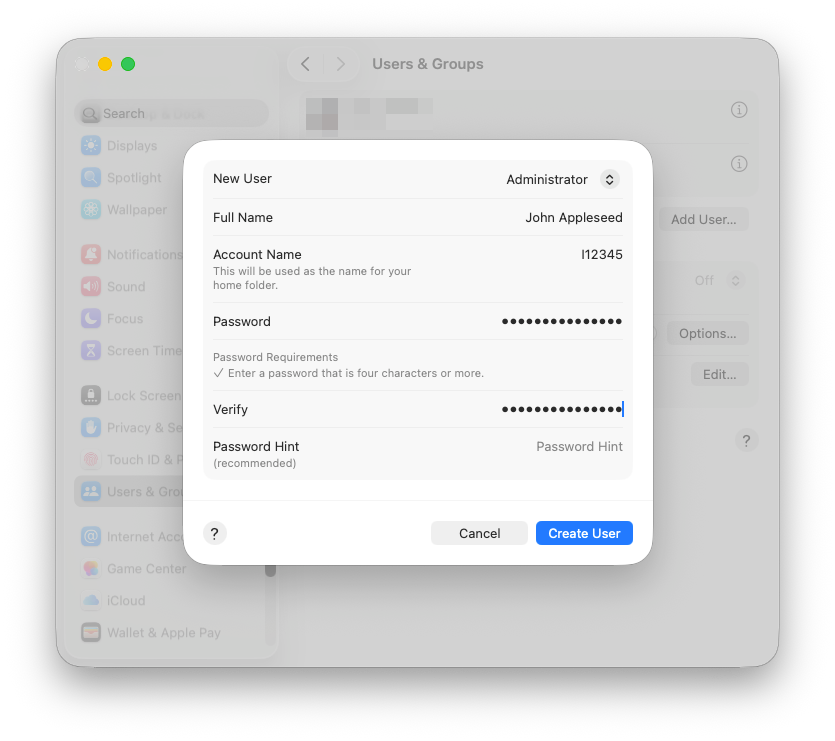
Create a new admin user account
To create a new admin user account, go to System Settings > Users & Groups > Add User.
- Select Administrator as the New User type.
- Enter your full name in the Full Name field.
- Enter your SAP I/C/D number in the Account field.
- Set a password.
- Click on Create User.